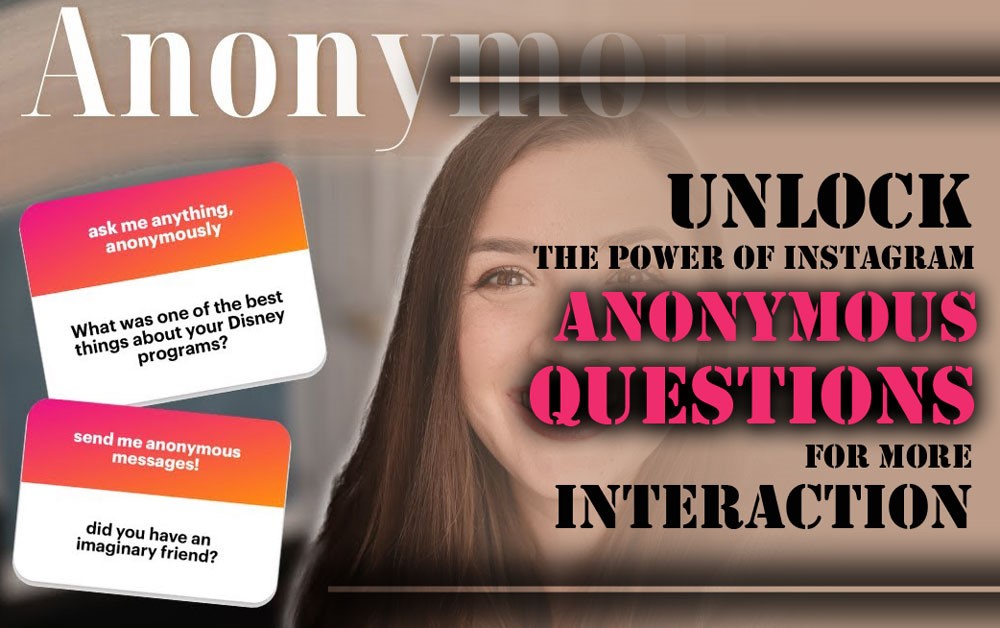
Instagram Anonymous Questions: The Secret Weapon of Pro Influencers for Unmatched Audience Engagement! Ever felt like something’s missing from your stories? That spark that truly captivates your audience and gets them talking?
Imagine having a mysterious box where anyone can ask you anything they’re curious about, without any fear of judgment! Exciting, right? That’s precisely what Instagram’s questions feature does for you.
Want to know how to wave this magic wand and fill your stories with questions and opinions? Then buckle up, because we’re about to discover the power of Instagram anonymous questions!
Why Should We Befriend the Instagram Question Sticker?
Using this feature is like finding a close friend who always has your back and brings tons of benefits, especially for boosting your page’s interaction and getting to know your audience better. This feature helps you to:
· Skyrocket Engagement Rates instagram
Imagine a party where everyone’s too shy to speak. Now, pictures make them feel comfortable enough to share freely. Instagram’s anonymous questions feature does exactly that, eliminating the fear of judgment and encouraging your audience to ask questions and share thoughts freely, boosting involvement.
· Get Honest, Straightforward Feedback instagram
When questions are anonymous, there’s no fear of judgment. Followers feel safe to express their true opinions, offering valuable feedback that can help improve your content, products, or services.
· Know Your Audience Like the Back of Your Hand
By asking your audience questions through Instagram’s anonymous Q&A, you gain insights into their preferences, needs, and opinions, allowing you to understand what they enjoy and where your content needs improvement.
· Create Engaging and Colourful Content
Stuck on what to post? Instagram Anonymous Questions provide endless ideas, making it easy to craft engaging, informative, and entertaining stories that resonate with your audience.
· Spark Curiosity instagram
This feature creates a sense of mystery, with followers eager to know the answers. This curiosity boosts the visibility of your stories and keeps your audience coming back for more.

· Host an Online Q&A Get-Together instagram
Anonymous Q&A sessions make conversations more relaxed and enjoyable, encouraging friendly interactions and fostering a sense of community among your followers.
· Gather Information for Your Business
For business owners, anonymous questions on Instagram offer valuable insights into customer preferences and feedback, helping inform your business decisions and product development.
· Attract Real and Interested Followers instagram
By providing thoughtful, helpful answers, you can attract followers who are genuinely interested in your content, helping you build a more targeted and engaged audience.
How to Use the Instagram Anonymous Question Sticker on Instagram?
Using the Instagram question sticker on Instagram is super easy, like a piece of cake! Just follow these steps:
- Create a New Story: Go to your Instagram feed and swipe up or tap the “+” icon to select “Story.” Upload a photo, a video, or use a template as your background.
- Find the Questions Sticker instagram: Swipe up again to open the sticker menu, find the “Questions” sticker, and tap it. This is your Instagram Story questions tool.
- Type Your Question: The sticker will appear with the text “Ask me anything.” You can customise it by typing your own questions, like “What should my next story be about?” or “Ask me anything about [topic].”
- Adjust the Sticker’s Position: Drag and pinch the sticker to adjust its size and position on your story, ensuring it’s visible but not too cluttered.
- Publish Your Story: Once you’re happy with your setup, publish your story. Your followers can now tap the Instagram Story questions tool to send anonymous questions or feedback.
How to Respond to Anonymous Questions?
Once you’ve published your story with the Instagram anonymous questions sticker, responses from your audience will appear in your Instagram notifications. To answer these questions:
- Go to Your Notifications: Tap the heart icon at the bottom of your screen to access notifications.
- See the Received Questions: In the notifications section, you’ll find the questions sent by your audience. Tap each question to view it.
- Write Your Answer: Once the question opens, a text box will appear for you to type your response. Keep answers clear and concise. This is where you’ll see Instagram’s anonymous responses.
- Add Your Answer to Your Story: After typing your answer, tap “Send” to share it as a new story. The original question will appear, but the user’s identity will remain hidden, ensuring Privacy on Instagram questions.
- Encourage More Interaction: Enhance engagement by adding stickers like polls, quizzes, or emojis to your story. These Instagram interactive features help keep the conversation going.

Cool Ideas for Using Anonymous Questions instagram
To make the best use of the Instagram anonymous questions and have more interaction, here are some cool ideas for you:
- Host Specialised Q&A Sessions: Pick a topic and invite your audience to ask questions anonymously. This lets you showcase your expertise and provide valuable insights, which is a great Instagram audience interaction tip.
- Ask for Ideas and Opinions: Get input from your audience on future content or product ideas. It enhances interaction and facilitates decision-making.
- Set Up Fun Challenges: Introduce a challenge and have your audience send in their anonymous responses. Share the best answers in your following stories to engage them.
- Ask for Confessions or Interesting Stories: Encourage followers to share personal stories or funny confessions anonymously. This content can be captivating and even go viral.
- Run Anonymous Polls on Sensitive Topics: For sensitive subjects, use anonymous Instagram polls to create a safe space for honest opinions, helping you better understand your audience.
- Organise a Contest with Prizes: Host a contest and ask your audience to send answers anonymously. Offer prizes to those with the best or correct responses.
- Show Behind the Scenes: Ask followers to inquire about your personal life or business behind the scenes. Answering these questions fosters a closer connection.
- Ask for Music, Movie, or Book Recommendations: Request anonymous suggestions for songs, movies, or books. This promotes interaction and can introduce your followers to new things.
- Address Rumours or Misconceptions: Tackle common rumours or misconceptions in your field and ask for anonymous opinions. You can clarify the truth and correct misunderstandings, which is one effective Instagram engagement strategy for influencers.
Final Thoughts
Instagram Anonymous Questions are a valuable and powerful tool that can significantly boost your page’s engagement, help you better understand your audience, and create more engaging content.
Now it’s your turn! What experiences have you had using this feature? Do you have any other cool tips or ideas for using this feature?
We’re looking forward to hearing your success stories with this excellent feature! Additionally, if you found this information helpful, please share it with your friends.
How to get anonymous Instagram questions?
To get a feature, add the “Question” sticker to your Instagram Story and select the “Allow Anonymous Questions” option.
Are Instagram questions really anonymous?
Yes, they are truly anonymous, meaning you can’t see who submitted each response.
How can I use anonymous questions to increase story interactions on Instagram?
Ask interesting and open-ended questions to encourage followers to respond and boost interactions.
Do anonymous questions on Instagram affect my privacy?
No, this feature doesn’t affect your privacy, as you can’t see who answered them.
Can I use questions in Instagram posts?
No, anonymous questions can only be used in Instagram Stories.