Copy the Instagram profile link or username
Open Instagram, go to the public profile, then copy the profile link or note the username.


Use the free Instachecker Insta DP downloader to view and download public Instagram profile pictures in full size. Paste a public username or profile URL below, preview the available image, and save it without an app or Instagram password.
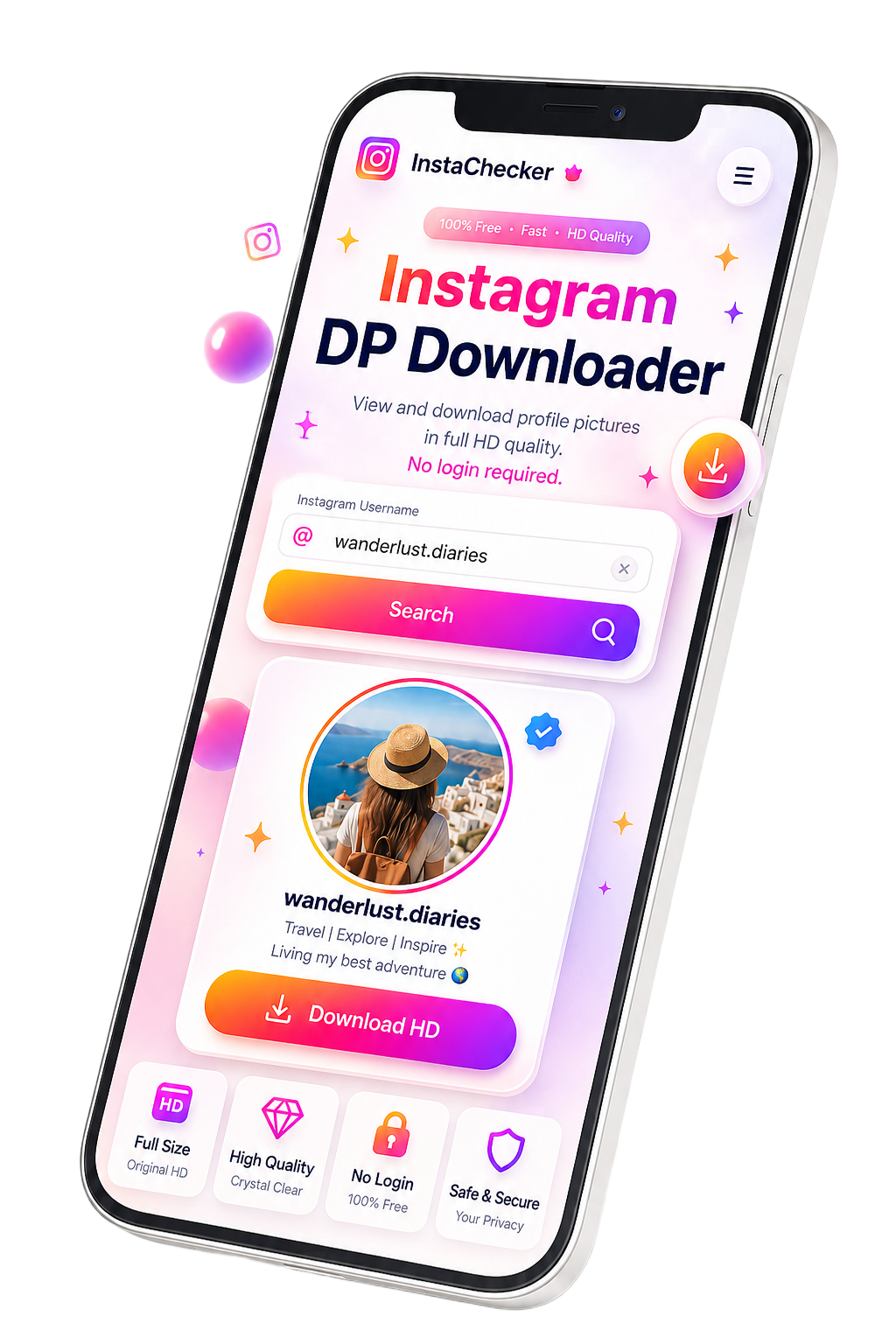
Copy the public Instagram profile username or URL, paste it into the Instachecker search box, press Search, then view or download the available profile photo. You do not need an Instagram login, mobile app, browser extension, or paid subscription.

Instagram profile pictures are often shown as small circular avatars inside the app. When you need a clearer view of a public profile photo, Instachecker helps you open the best available version directly in your browser.
Paste a public Instagram username or profile URL and preview the available DP without installing third-party apps. The workflow is useful for saving your own profile image, checking public brand profiles, and reviewing profile photos for personal reference.
Instachecker does not ask for your Instagram credentials and does not store downloaded profile pictures. The tool is intended for public profiles only, and users should respect privacy, creator rights, and platform rules.
Save a public Instagram profile picture in just a few simple steps. No app, extension, or login is required.
Open Instagram, go to the public profile, then copy the profile link or note the username.
Paste the complete public profile URL or username into the search field on this page.
Press Search, wait for the profile picture result, then view or download the image in the best available quality.


The same process works on iPhone, Android, and desktop browsers such as Chrome, Safari, Edge, and Firefox.
Instachecker is browser-based, so you can use it without installing an app or extension.
Open Instagram, copy the public profile link, then paste it into Instachecker using Safari or Chrome to view the full-size profile picture.
Use the Instagram app, copy the public profile URL, paste it here, then view or download the profile picture directly to your device.
On Windows, open Instagram in a browser, copy the profile link, paste it on this page, and save the image to your computer.
On macOS, use Safari, Chrome, or Edge. After viewing the photo, you can save it to your Downloads folder or another location.
Downloading a public Instagram profile picture for personal reference or offline viewing is generally acceptable in many everyday situations. The image still belongs to its original owner, especially when it represents a person, creator, or brand identity.
Instachecker works only with publicly accessible profiles and does not host, store, or redistribute profile photos. Please respect creator rights, avoid impersonation, and ask for permission before reusing someone else's image publicly or commercially.
A fast, privacy-focused Instagram DP downloader built to view and save public profile photos without unnecessary steps.
Paste a public username or profile URL, process it in seconds, and preview the available profile picture from your browser.
Instachecker does not place an extra logo, overlay, or branding mark on the profile picture result.
Use the tool without creating an account, installing an app, or entering your Instagram username or password.
Use it on iPhone, Android, tablet, Mac, Windows, Chrome, Safari, Edge, or Firefox directly from your browser.
View and download the best available source image quality, including HD or 4K when the public profile photo supports it.
The tool does not ask for passwords, does not require account connection, and does not store downloaded profile photos.
Instachecker focuses on speed, privacy, transparent limitations, and a clean browser-based experience for public Instagram profile photos.
| Feature | Instachecker | Why it matters |
|---|---|---|
| No login | No Instagram username or password required | Reduces privacy risk and keeps the process simple. |
| No watermark | No Instachecker logo added | You receive a clean file for personal reference. |
| Device support | iPhone, Android, PC, Mac, tablet | No separate profile photo viewer app is needed. |
| Browser support | Chrome, Safari, Edge, Firefox | Works across common browsers and operating systems. |
| Privacy-first | Profile photos are not stored by Instachecker | Your activity is not linked to an Instagram account. |
| Transparent limits | Public profiles only; private content is not bypassed | Protects privacy expectations and sets clear user expectations. |
| Input options | Username or complete profile URL | Supports the way users naturally copy Instagram profile information. |
Most issues come from the profile URL, privacy settings, username spelling, or the original account status.
Instachecker only supports public Instagram profiles. If the account is private, the tool cannot access the profile picture.
If the account was deleted, disabled, or unavailable, the original profile photo may no longer be accessible.
Make sure the username is spelled correctly and does not include extra spaces, unrelated text, or unsupported characters.
Use the complete Instagram profile URL. Broken, shortened, copied, or mixed text around the URL may cause errors.
If the page gets stuck, refresh the browser, clear the field, paste the username again, or try a private browser window.
Instagram sometimes changes how public profiles are served. If a valid public profile fails, wait a few minutes and retry.
Instachecker is designed for public Instagram profiles that anyone can already view in a browser. Public profile photos can usually be processed because the image is publicly accessible.
Private profiles are different. Even if you follow the account, third-party tools should not bypass privacy restrictions. For private photos or sensitive content, always ask the creator for permission before saving or reusing their image.
To download an Instagram profile picture, copy the public profile URL or username from Instagram, paste it into the search box above, and select Search. Instachecker works in your browser and does not ask for your Instagram login.
Note: Instachecker is designed for public profiles only. Before reusing downloaded images, respect privacy, creator rights, platform rules, and applicable copyright requirements.
Need more than a DP downloader? Explore other Instachecker tools for Instagram content workflows.
Copy Instagram bio text from public profiles quickly.
Copy captions from Instagram posts and Reels.
Generate relevant hashtags for social media posts.
Download public Instagram Reels in HD quality without watermark.
Yes. Instachecker is free to use with no hidden fees, no subscription, and no required account.


