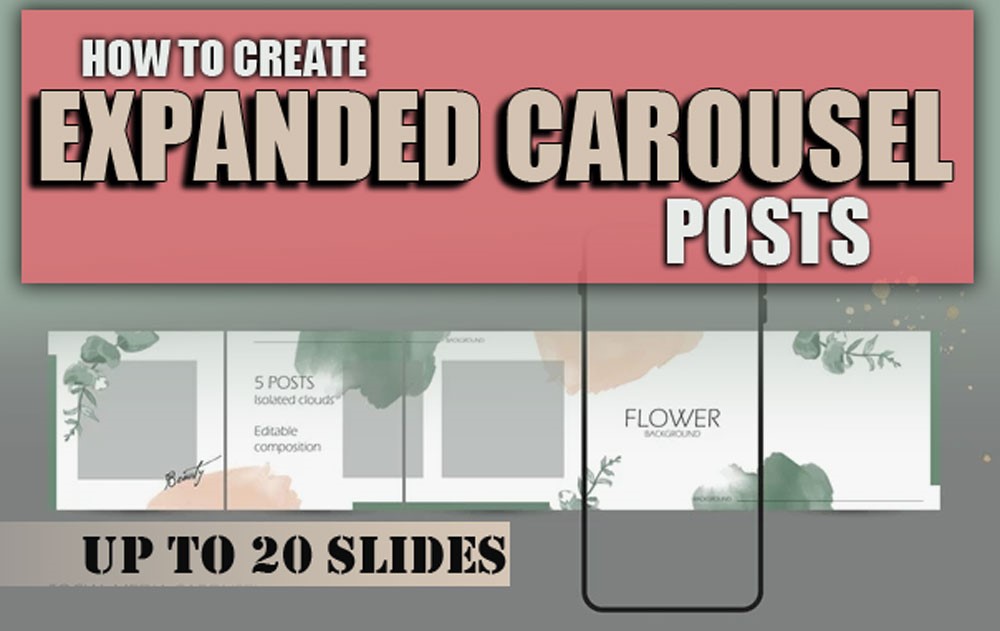
In today’s world, capturing the attention of your audience on social media platforms like Instagram is a huge challenge. Audiences are bombarded with a massive amount of content every day, and if your content doesn’t grab attention in the first few seconds, it’s likely to be ignored.
One of the powerful and practical tools for telling stories and engagingly presenting content is the expanded Carousel post, also known as an Instagram slide post, which allows for up to 20 slides. These types of posts provide more space for creativity and expressing your ideas.
But “How to create expanded carousel Posts Up to 20 Slides feature?” In this article, we’ll review innovative and professional solutions that will help you create engaging, understandable, and impactful content.
Visual Storytelling Instagram: The Power of Multi-Part Narrative
One of the most significant advantages of Instagram Carousel Posts is the ability to tell a multi-part story. Imagine each slide as a piece of a puzzle. As you flip through each slide, your audience will gradually build a bigger picture in their mind.
This type of storytelling creates a deeper, more lasting connection than a single, short piece. As a result, users are concerned about creating Expanded Instagram Carousel.
For example, if you’re talking about a product, you could show the story of how the product was created in stages:
- The first slide might be the initial design, the second slide the manufacturing process, and the third slide the final result and customer satisfaction.
How Do Content Providers Interpret the Carousel on Instagram?
In short, a golden opportunity to educate, engage, and rapidly grow your personal or business brand.
But let’s take a closer look before going into details to create Expanded Carousel Posts:
1. More Space to Say What’s Important
When just one image or caption isn’t enough, a carousel allows you to move content along step by step, like telling a story with a beginning, a climax, and an end.
2. Increase Dwell Time
The more your audience scrolls, the more your content will be shown to others by the Instagram algorithm. So, what is the result? Increased Reach and engagement are the success factors on Instagram.
3. Step-by-Step & Engaging Training
If you are a training producer, carousel is the best format for “simple and step-by-step training”. From instructions, formulas, checklists, to customer success stories!
4. Highly Savable and Shareable Content
Carousels that have “practical value” are more likely to be saved and shared. This results in a more positive signal to the algorithm and organic growth of the page.
5. Brand Identity Building Tools on instagram
With consistency in design, tone, and structure, you can create your own “visual signature.” After creating Expanded Carousel Posts, your audience will recognize you by your style.
6. Instagram Content Creation Recycling
A good carousel can be repurposed as a Reel, transformed into a blog post, or utilized as a YouTube video or podcast script.
Is it possible to Create Expanded Instagram Carousel Posts?
In summary, a carousel is not just a format; it is an Instagram engagement strategy approach for education, visibility, engagement, and establishing your professional presence.
However, a question arises: “Can I increase the number of slides to more than 10?”
In the past, the answer to this question was NO, and it was so bad that it caused frustration. But now there is the surprise, and the new 20-slide limit carousel on Instagram creates a plethora of new opportunities.
Are you prepared to realize the full potential of your content? Find out how the expanded Instagram Carousel modification will help you improve your Instagram game!
How to Create Expanded Carousel Posts on Instagram & Turn Them into a Professional Reel?
Turning a carousel into a Reel isn’t just a technique; it’s a smart Instagram carousel content strategy for increasing visibility, attracting engagement, and creatively recycling content, which are essential Instagram Marketing Tips.
To continue, you’ll learn step-by-step how to use AI content creation tools and design principles to create an engaging 20-slide post and transform it into an eye-catching vertical video with minimal effort, following the best practices for carousel posts.
– Choosing the Right Canvas Size
The first step to creating Expanded Carousel Posts with up to 20 Slides? Choosing the correct dimensions! If your goal is to publish as a Reel or Instagram Story, set your canvas to a 9:16 aspect ratio (1080 x 1920 pixels). This will optimize the content for vertical video platforms from the start.
– Choose or Design a Creative Theme.
This is where your brand’s visual identity begins to take shape. You can use ready-made themes from tools like PostNitro or create a personalized template based on your own brand colours, typography, and style.
– Rapid Content Generation with AI
20 slides can seem overwhelming, but not when you have an intelligent assistant! Tools like PostNitro’s AI, ChatGPT, or Notion AI will help you:
- Generate Instagram Carousel Ideas for each slide
- Write copy
- Maintain your brand tone
- Provide educational, motivational, or promotional content
– Customize the Design to Match Your Brand
When creating expanded Carousel posts, ensure that colours, fonts, icons, and line spacing align with your brand guidelines.
About Golden tip, a simple yet unique design will attract and not confuse your audience at the same time. Utilise professional fonts, corporate colours, established guidelines, and a consistent layout order to make your brand more memorable.
– Review Slide by Slide
No content is perfect the first time around. Before finalizing, review each slide one by one:
- Is the message of each Instagram Slide post clear?
- Is the order logical?
- Are the images, titles, CTAs, and design eye-catching?
– Reels Optimization
At this point, you should have designed your static content (carousel) in a way that will remain engaging, clear, and useful when converted to video.
Consider these Instagram Engagement Tips:
- Choose appropriate background music or sound
- Use simple, smooth transitions between slides
- Keep text centred and legible
- Use the right playback speed (not too slow, not too fast)
– Export & Publish
Now that the design and content are complete, save the final file in high quality (MP4 for Reel or JPG for Carousel).
If you want a Carousel, you can publish it as 20 separate slides in one part in the Instagram new update.
If you want to create a video, use tools like Canva, CapCut, or Adobe Express to assemble the slides, add music or a voiceover, and publish it as a Reel.
Carousel to Reel Conversion means:
- Increase the lifespan of your content
- Access two popular formats at once
- Increase engagement, visibility, and brand recall
Every slide is an opportunity to be seen, and every Reel is a visual story that only has a few seconds to shine. With this innovative process, you can create professional, recyclable, and evergreen expanded Instagram Carousel posts.

ü Content Strategies to Create Expanded Carousel Posts (Up to 20 Slides)
| Strategy | Brief Description | Best Use Cases |
| Visual Storytelling | Break your story into parts that keep viewers swiping to the end. | Brand storytelling, emotional campaigns |
| Step-by-Step Education | Simplify complex topics one slide at a time. | Tutorials, how-tos, educational content |
| Feature Highlights | Dedicate a slide to each feature or benefit of your product/service. | Product launches, e-commerce, SaaS |
| Before & after | Show transformations clearly with visuals or data. | Fitness, design, and growth tracking |
| User-Generated Content | Showcase real customer testimonials, photos, or videos to demonstrate your product’s effectiveness. | Trust-building, community engagement |
| Data Visualization | Turn stats into eye-catching infographics that are easy to digest. | Reports, insights, data-driven posts |
Conclusion
Using 20-slide carousels is an excellent opportunity to create purposeful, interactive, and story-driven content on Instagram. With the right design, you can simplify complex concepts, introduce your product features step-by-step, and keep your audience engaged throughout the presentation.
The Instagram algorithm loves content that lasts, and that’s where the power of a long carousel comes in. If you want to be seen, you need to create expanded Instagram Carousel, as well as stick posts.
So, get started now and structure your slides effectively to convey your message clearly, boosting your engagement rate with a creative strategy. Now it’s your turn to tell your story and share your thoughts and ideas about “How to Create Expanded Carousel Posts Up to 20 Slides?”
What is Expanded Carousel on Instagram?
A post with up to 20 slides on Instagram for more storytelling.
How do I create up to 20 slides?
Use Instagram’s new feature to upload 20 slides.
What are the benefits of an Instagram extended Carousel?
Increase engagement and retention on a post.
How do I convert a Carousel to a Reel?
Create a video with tools like Canva or CapCut.
What is the right canvas size?
1080×1350 for a post and 1080×1920 for an Instagram Reel.